
How to Save Public Floating IPs on Nutanix: The Offroad Way
How to consolidate public access inside a VPC by using an internal firewall as a public edge.

Introduction
If you read my previous article about “The Native Way”, you already know the main idea behind it. I described a clean pattern based on a Transit VPC that lets you expose internal services without consuming a public gateway for every project. It works well and in many environments it is exactly the right solution.
But it is not the only one.
Why an Offroad Approach
In several architectures I found myself needing more flexibility, especially when a VPC hosts more than a couple of services. At that point a Transit VPC still helps, but you often want an internal edge that centralizes all the public exposure for that environment. That is where the Offroad Way becomes useful.
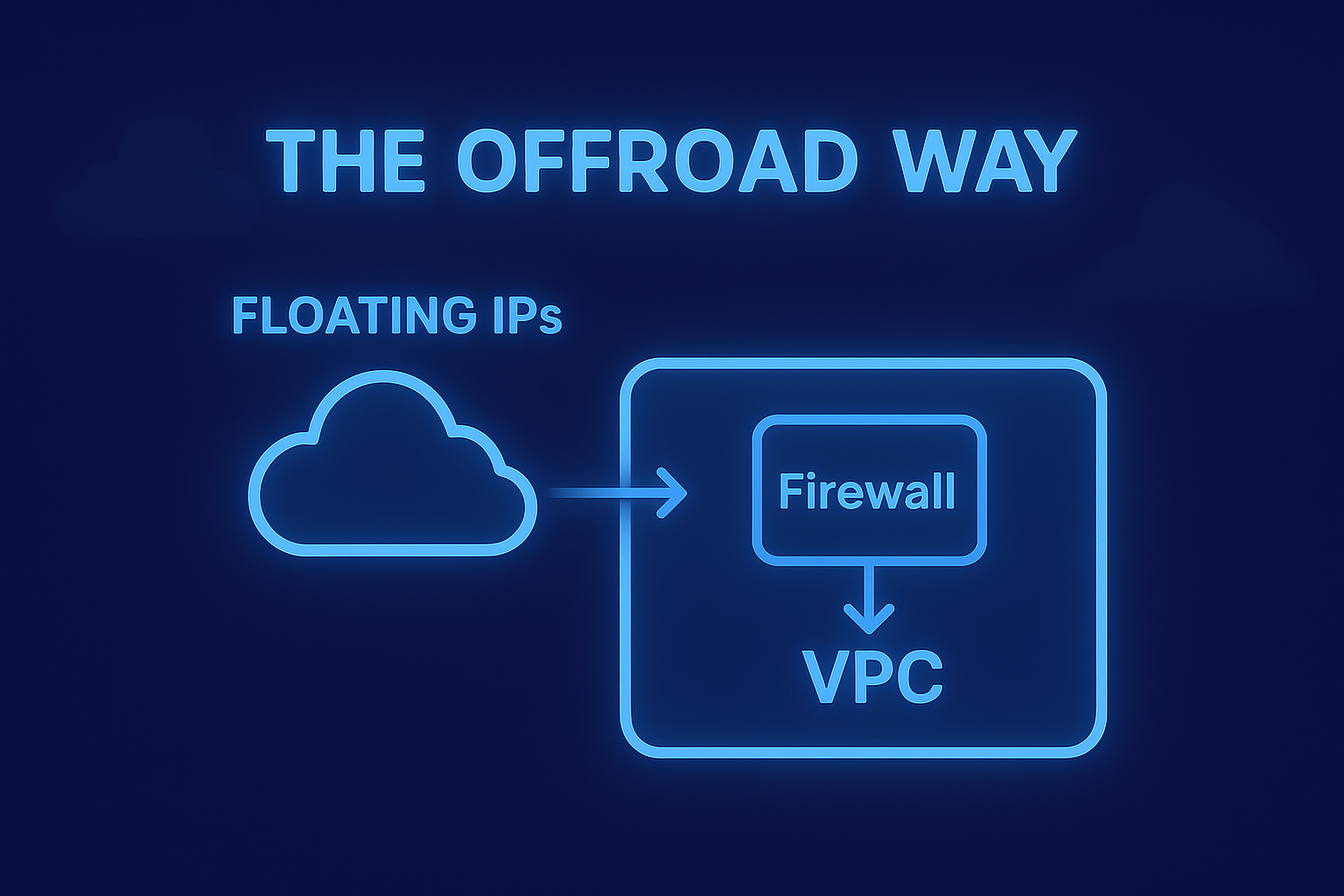
The idea is simple. Instead of assigning Floating IPs directly to individual workloads, you introduce a firewall inside the VPC and terminate the public address on it. The firewall becomes the public-facing entry point of that VPC. Everything stays overlay based. Nothing touches the underlay. And you gain a level of control that the native pattern does not offer today, especially when multiple services live behind the same edge.
Why This Pattern Emerged in Practice
The first time I adopted this approach it came from a very pragmatic need. I had several components inside the same VPC that required public exposure. Repeating the same NAT configuration for each one felt inconsistent. Placing a firewall at the edge of the VPC solved the problem immediately. I could centralize all north south access, expose multiple services from a single location, and avoid consuming additional public IPs.
It also aligned naturally with Flow Networking, keeping segmentation and east west controls unchanged.
Understanding the Constraints of Flow Networking
To understand why the Offroad Way works, it is important to clarify how VPC networking behaves in Nutanix Flow.
Every VM interface inside a VPC is overlay only. There is no way to attach a VM to an external subnet or expose an underlay interface. A firewall inside a VPC is therefore entirely overlay based. If it needs to receive a public IP, the only mechanism available is a Floating IP mapped onto one of its overlay addresses.
A common mistake is trying to map the Floating IP onto an address inside the same subnet used by the firewall’s LAN. This creates an ambiguous situation. The firewall would end up with a “WAN” address that actually belongs to its own LAN prefix. ARP becomes unpredictable, routing becomes unclear, and the firewall cannot treat its interfaces as separate security domains.
Why the /30 Subnet Exists
This is why the /30 subnet is essential, and not a workaround.
It is simply another overlay subnet inside the same VPC, dedicated to the firewall’s WAN side.
You create a small subnet such as 192.168.200.0/30 and attach the firewall’s WAN interface to it. The Flow Gateway automatically becomes the default gateway for that subnet, taking the .1 address. The firewall takes .2. This tiny overlay network becomes the upstream link of the firewall.
Now you can safely map the Floating IP to 192.168.200.2 because it is a separate, dedicated address that represents the external side of the firewall. Inside the firewall you configure the same IP as a Virtual IP on the WAN interface. The LAN remains on its own independent subnet.
From this point forward the firewall behaves exactly as a firewall should, with proper separation between inside and outside, even though everything lives entirely in overlay.
This structure provides:
- a clean separation between LAN and WAN inside the VPC
- a stable and predictable target for the Floating IP
- consistent routing through the Flow Gateway
- a self-contained design that does not rely on underlay exposure
How the Architecture Behaves
Once the firewall is in place the design becomes straightforward.
You consolidate all public traffic through a single edge. Workloads remain isolated behind it. Flow Networking continues to govern east west communication and segmentation across VPCs. The firewall handles north south access. Responsibilities stay clearly defined.
Use Case: Exposing a Web App and Multiple MQTT Brokers with One Public IP
A practical example makes the Offroad Way immediately relatable.
Imagine a VPC hosting a small platform composed of two parts: a web application served over HTTPS, and several MQTT brokers, each published on its own service IP because they support different tenants or environments.
With the classic approach you would need a Floating IP for every service.
One for the web application.
One for each MQTT broker.
If you run several brokers you quickly exhaust an entire public subnet.
With the Offroad Way the model changes completely. You assign a single Floating IP to the firewall’s WAN interface, and the firewall becomes the consolidation point for all public access. The web application, the MQTT brokers and any additional internal component all share the same public entry path.
Each MQTT broker keeps its own internal address. The firewall publishes them on different ports or distinct virtual IPs. Internally nothing changes. Externally you still consume one public IP.
In total you consume two IPs from the external NAT subnet:
- one assigned to the Flow Gateway (unused but required)
- one assigned to the firewall (the real public endpoint)
No matter how many web services, APIs or brokers you add later, the public exposure layer stays identical. This alone makes the Offroad Way a compelling design for multi-service environments.
NKP Considerations
NKP requires a specific note because of how its nodes behave.
NKP workers can be recreated, replaced during upgrades or added dynamically. Each node always receives its addressing from VPC IPAM and always uses the Flow Gateway as the default route. Any manual change to routing on the node disappears as soon as it is respawned.
For this reason the only stable approach for NKP is building a custom worker image where the default gateway is already set. A simple convention works, for example using the .254 address of each subnet. It is the only option that survives lifecycle operations and keeps nodes consistent.
I experimented with masquerading as a workaround. It functions, but hides the original client IP. For auditing, logging and debugging it is not optimal.
What I Tried and Why It Does Not Work
While developing this pattern I explored two experimental directions that initially looked promising but did not hold up in real environments.
The first was letting a DHCP service on the firewall override the gateway assigned by IPAM. If that worked, every VM and NKP node could inherit the firewall as the default route automatically. In practice, IPAM always enforces its own addressing and gateway configuration. The result is inconsistent and unsupported.
The second experiment involved forcing outbound traffic from the Flow Gateway to pass through the firewall. Outbound flows can be redirected, but reply traffic always returns directly to the Flow Gateway, not the firewall. This creates asymmetric routing and breaks the design immediately.
Both attempts were useful for understanding the boundaries of the model, but neither can be considered a viable solution.
One Feature That Would Simplify Everything
If there is one enhancement that would simplify these designs dramatically, it would be adding NAT and port forwarding capabilities directly to the Flow Gateway.
Even a minimal implementation would eliminate the need for a firewall acting as the public edge of a VPC. It would allow customers to expose multiple internal services without consuming more public IPs and without introducing additional routing layers.
This single capability would solve the majority of use cases addressed by both the Native and Offroad patterns.
Until then, the Offroad Way remains a practical, flexible and clean approach for consolidating public access inside a VPC.